- In our own applications
- diagram
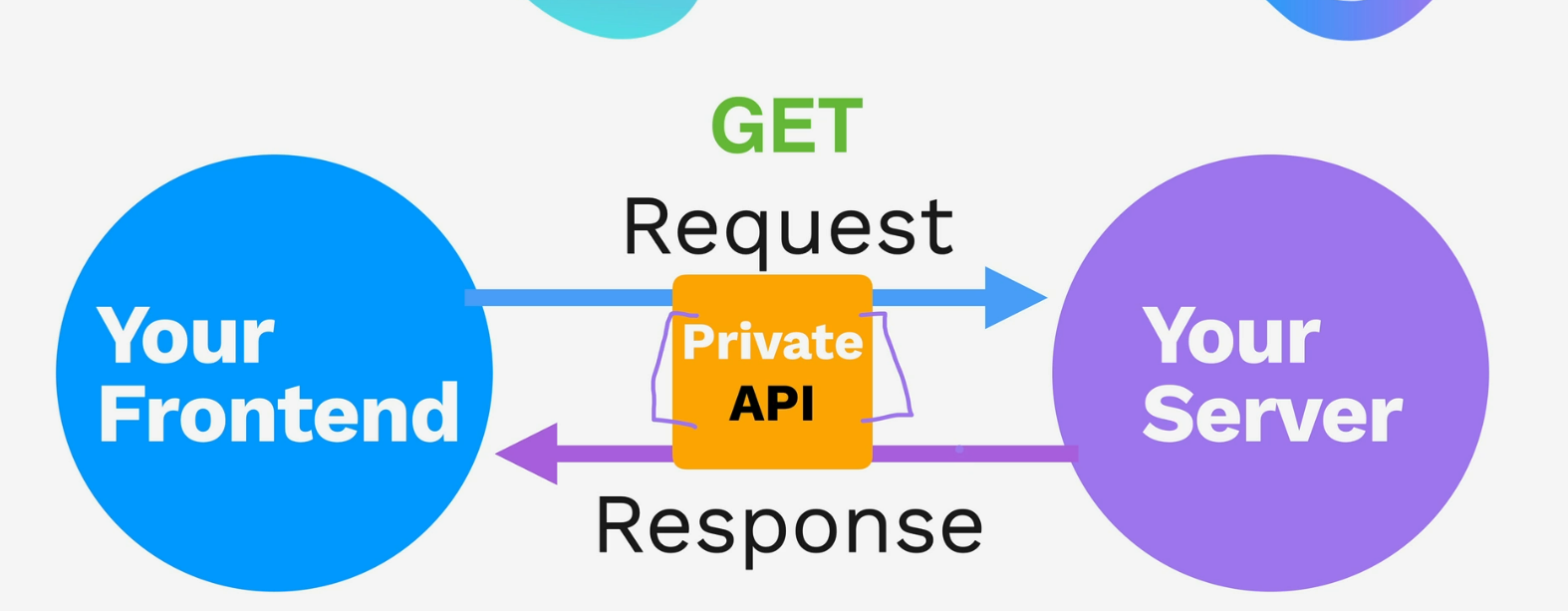
- we’ve been using private APIs for our applications
- private API = not publicly accessible over the internet. it’s exclusively serving our own frontend and not for someone else
- diagram
- But usually what we want to do is let our server talk to someone else’s server and interact with it
- diagram
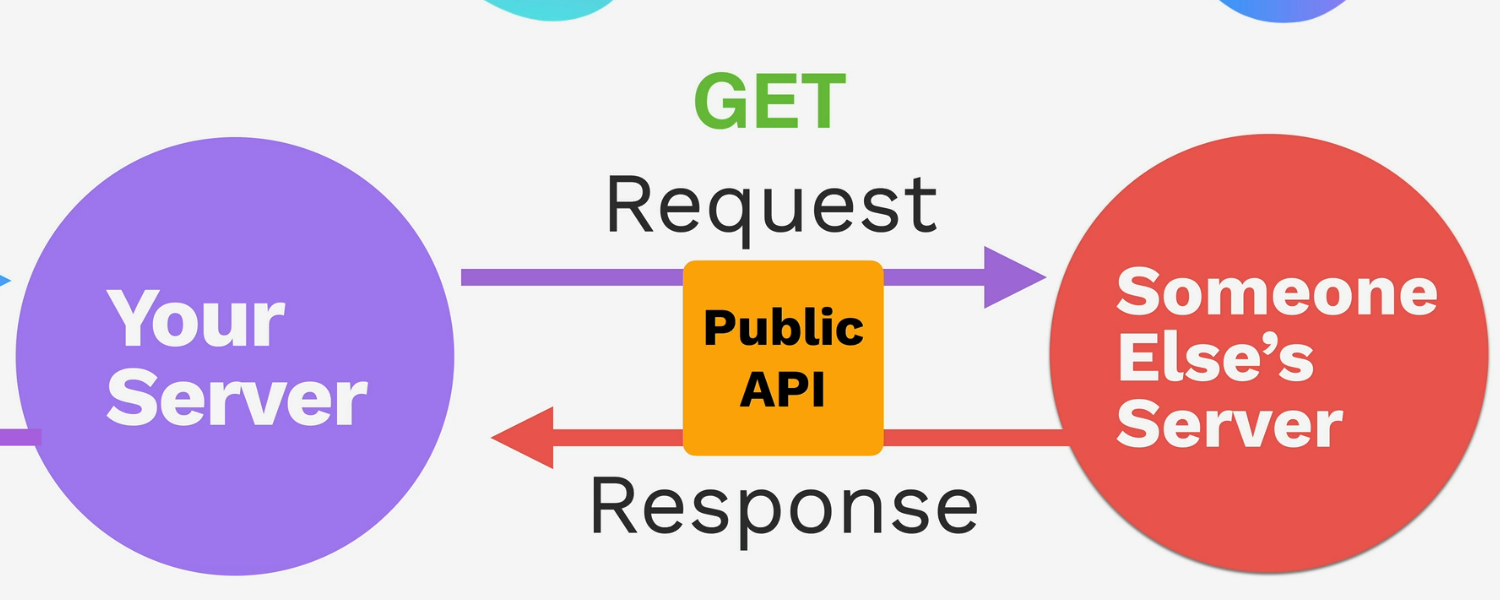
- public API
- diagram
- API refers to a COLLECTION of API endpoints!!!!
Different ways to structure our API requests
BaseURL/Endpoint?query1=value&query2=value
Endpoint
- An endpoint is just a URL that your API listens to.
- endpoints are tied to URLs, but you don’t have to redirect to a webpage to use them
- When you make a request to an endpoint, the server decides how to respond — it might:
- Send back some data (like user info).
- Return a status code (like
200 OKor404 Not Found). - Return a new webpage
- documentation usually gives which endpoints to use and its purpose
- ex)
http://bored.api.lewagon.com/api/activity/from bored.api- activity is an endpoint, gives u random activity
- ex)
Query
?query=value&query2=value
- A way to put a key/value pair into the URL when u want to give some additional information or some parameters to a request
- filtering/searching
- ex from bored.api
http://bored.api.lewagon.com/api/activity?key=5881028- finding an activity by key
- add more queries with
&
Parameter
BaseURL/Endpoint/{path-parameter}
- after the url + endpoint, we can have this, which changes
- usually to find some specific resource that exists, that can identify a resource in the API